
A little picture. A clearer ending.
Make time something
kids can see.
Five more minutes means more when you can see them. Ticko turns everyday countdowns into little stories: penguins slide, a rocket rises, and a sleepy moon gets ready for bed.
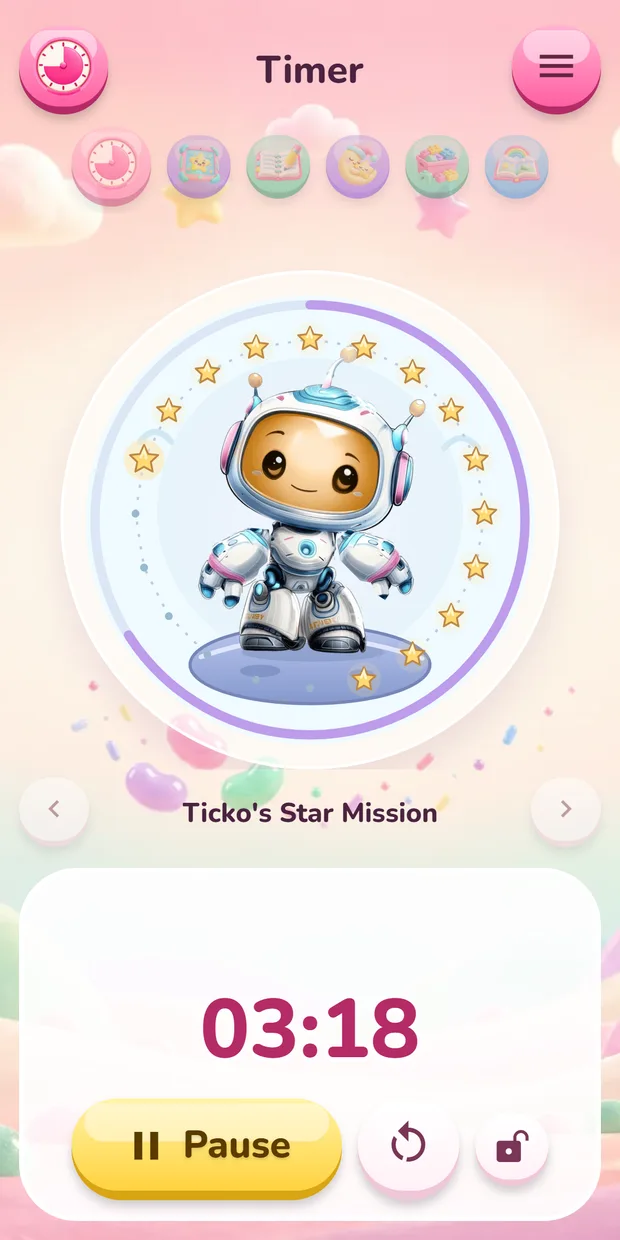

16 animated timer styles · 10 themes · No ads
What is Ticko Timer?
Ticko is a visual timer for kids on iOS and Android, made by HappyTooth. Animated pictures show time passing during homework, screen time, playtime and bedtime routines. Set a countdown from 10 seconds to 60 minutes, choose a style and press Start. Timers work offline, with no ads or account required.
Everyday moments, made visible
A countdown for the little transitions.
Pick a familiar routine, choose a picture and let the animation show how much time is left. Keep the same style for a routine, or try a new one together.
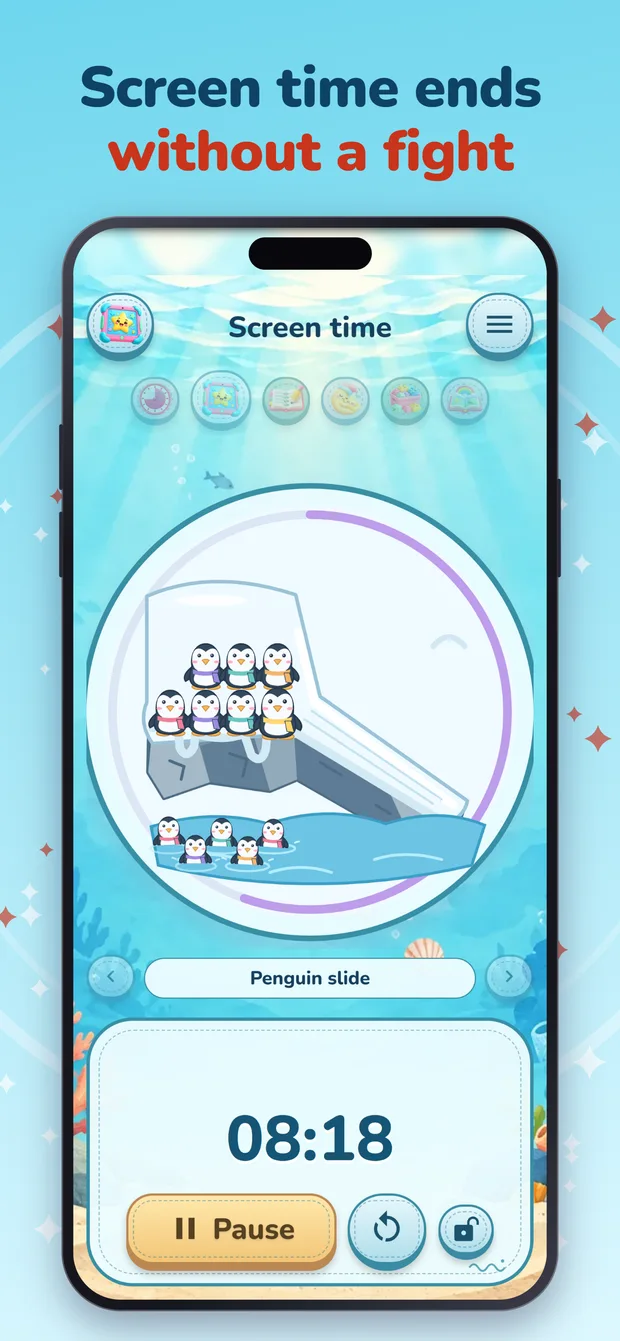
Screen time, with an ending
Agree on a screen time countdown before a show or game. Penguins slide into the water as the minutes pass.
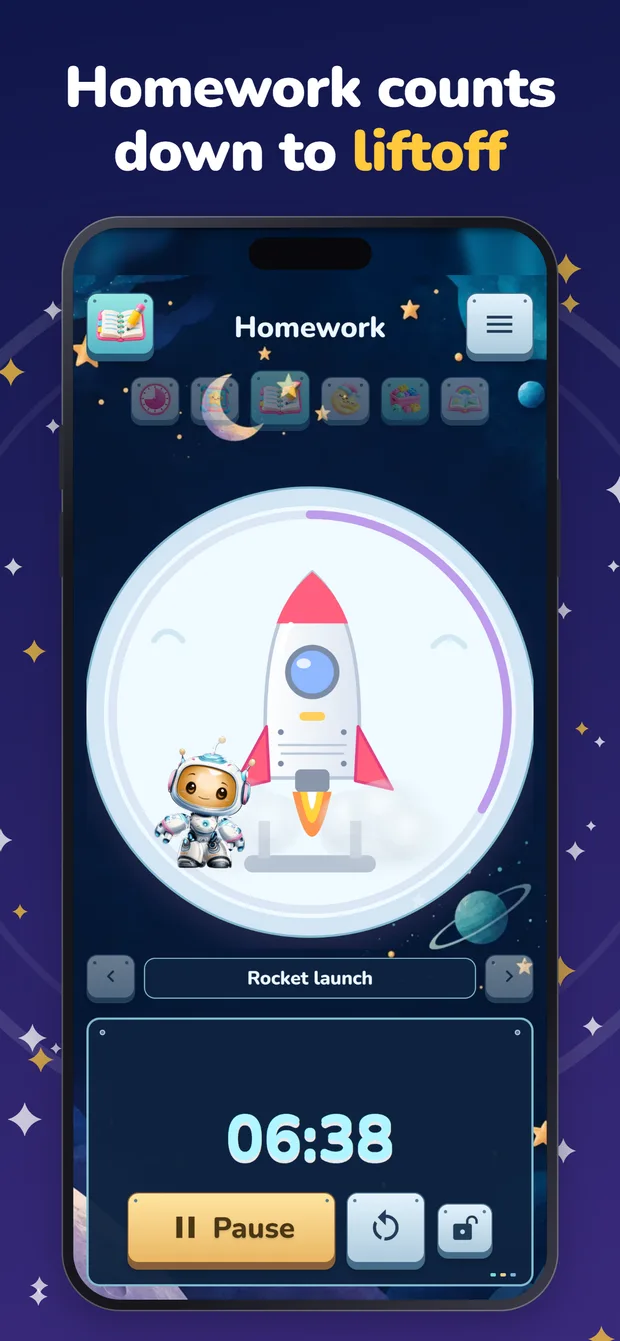
A small mission for homework
Send the rocket on its way for reading, homework or a quiet activity. Start another countdown when it is time for a break.
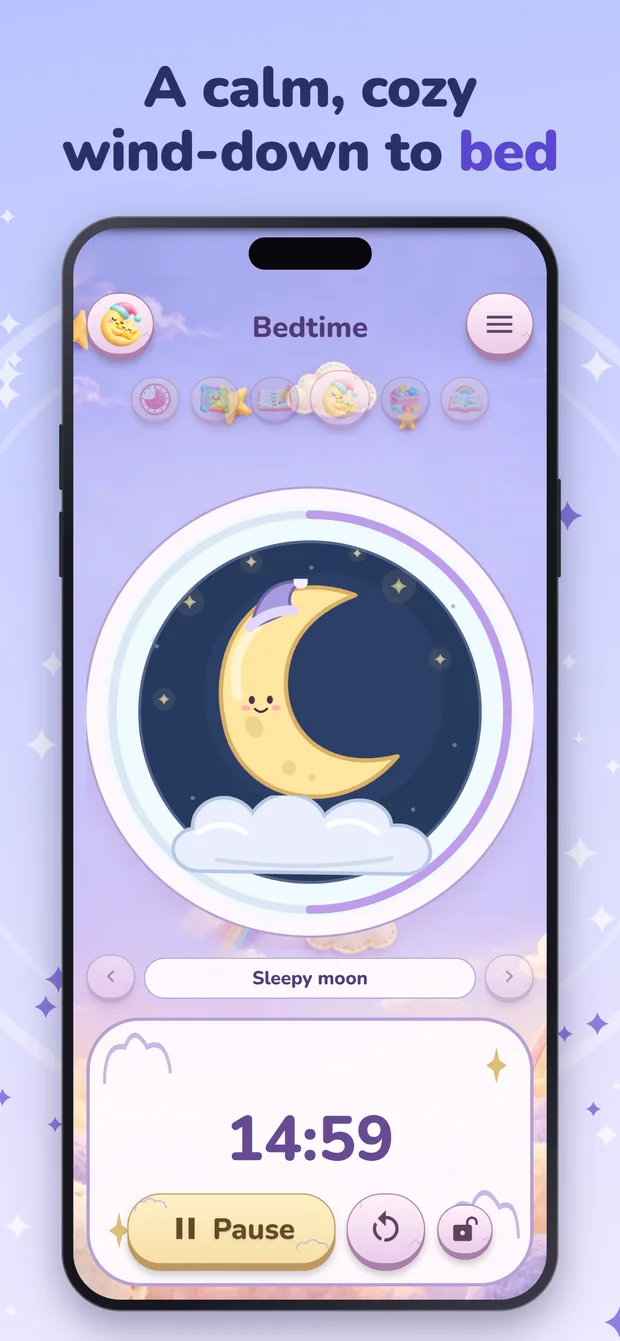
Time to wind down
Use the sleepy moon for a familiar bedtime countdown, or save a custom timer for getting dressed, meals or tidying toys.
Built around your family
Their routine. Their favorite little world.
A melting snowman, an egg that hatches, a bubble hourglass, a brick castle: each timer has a finish animation to mark the end. The candy disc reveals one of 20 surprise pictures. Timers keep the remaining time and main controls visible, with pause, resume and reset close at hand.
Save a routine
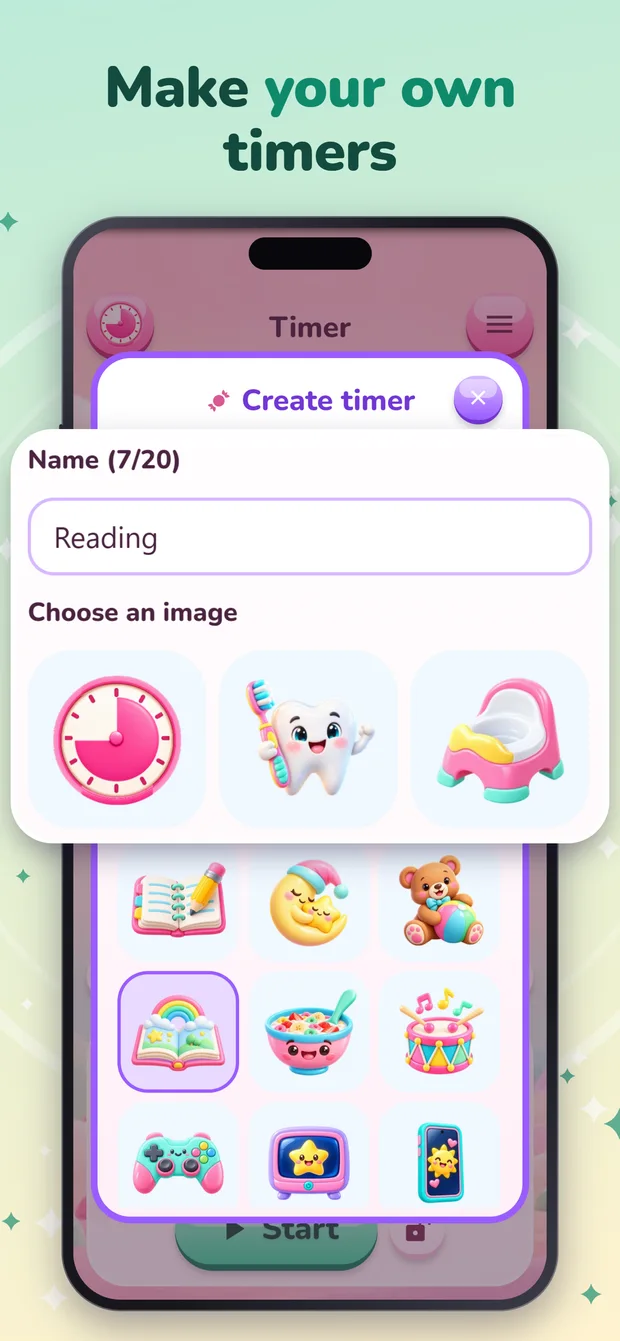
Give a custom timer a name, choose from 15 pictures and set its default duration. Ticko remembers the timer style last used for each routine.
Keep controls in your hands
An optional child lock protects settings and active countdown controls with a parental check. Choose sound effects, background music and vibration settings.
A comfortable fit
Use a phone or tablet in portrait or landscape. The app supports 23 languages and works without an internet connection for countdowns.
Sixteen ways to see time. Ten worlds to explore.
Choose from 16 animated countdown styles and ten illustrated themes, from Candy and Space to Ocean Adventure and Cozy Room. Save custom timers with their own names, pictures and durations, then return to the familiar routines your family uses every day.




Stores: App Store, Google Play, Amazon Appstore.
A little help with the everyday
Ideas for your family’s routines.
A visible ending for screen time
Plan a visible ending for screen time with Ticko. A practical guide to choosing a countdown, explaining it and moving to the next family activity.
Read the guide →A small mission for homework or reading
Use Ticko for a visible homework or reading session. Choose a small task, start a countdown, take a separate break and save a familiar routine.
Read the guide →A few useful answers
Ticko Timer questions, answered.
What is a visual timer for kids?
A visual timer uses a changing picture to show how much time is left. In Ticko, an animation changes as the countdown runs, so a child can follow time passing without reading a clock.
What can I use Ticko Timer for?
Use Ticko for homework, independent reading, screen time, playtime, getting ready, classroom activities or bedtime. Save a named custom timer with its own picture and default duration for a routine you repeat.
How long can a countdown be?
Set a countdown from 10 seconds to 60 minutes. Adjust in 10-second steps below one minute and 30-second steps from one minute upward. You can pause, resume or reset a countdown.
Which timer styles and themes can I choose?
Ticko has 16 animated countdown styles, including the candy disc, Ticko’s Star Mission, penguin slide, rocket, melting snowman and bubble hourglass. Ten illustrated themes give the app different worlds to explore, and custom timers keep a name, picture and default duration for each routine.
Does it work offline, and are there ads?
Countdowns work offline. Ticko Timer has no ads and requires no account.
Can children change an active timer?
Parents can turn on the child lock to protect settings and active countdown controls with a parental check. It is optional, so families can choose how they use the app.
Can I use it as a Pomodoro timer?
Yes. Start a focus countdown, then start a separate countdown for a break. For example, use 25 minutes of homework and a 5-minute break, or shorter rounds to suit your routine. Ticko does not automatically alternate work and break sessions.
Is this the same as Ticko’s tooth brushing app?
No. Ticko: Visual Timer for Kids is a separate app for everyday countdowns. Ticko: Tooth Brushing Timer is HappyTooth’s dedicated brushing app with brushing zones, cartoon rewards and daily streaks.
Who makes Ticko Timer?
Ticko Timer is made by HappyTooth, a one-person indie studio founded by Andrei Karavaichyk and based in Poland. For support, email happy.toothapp@gmail.com.
Give the next five minutes a little story.
Choose a routine, pick a picture and start your first countdown.